How to implement inertia scrolling (smooth scrolling) with Framer

Hello. In this article, I will introduce how to implement "inertia scrolling," which is often seen in well-designed and pleasant web experiences, using Framer.
What is Inertia Scrolling?
Inertia scrolling (smooth scrolling) refers to the behavior where a web page scrolls smoothly and gently, rather than jumping abruptly when using a mouse or trackpad. It has become common in sites that have received awards at recent web design awards. It has also been increasingly used in Japanese websites. It creates a calm and emotional atmosphere, further enhancing the brand and the website's world view.
If you are coding, you can implement this using libraries like Lenis or GSAP.
How to Implement in Framer
You can also implement inertia scrolling in Framer, and it can be done in about a minute. It only takes a simple copy and paste to complete.
In Framer, you can use "code components" or "code overrides" that utilize React, as well as custom code written in <head> and <body> using HTML and JavaScript. This time, we will implement it using a code component that can be reproduced more easily.
Step 1: Copy the Component
Copy the following URL. You just need to copy the link without clicking to open it.
https://framer.com/m/Smooth-Scroll-eZbz.js@ALzPzo9ZL7qsyNt6jnNi
Step 2: Paste into Project
Open the project editor screen in Framer. Go to the relevant page and paste it within the canvas. This will paste the component surrounded by a purple box.
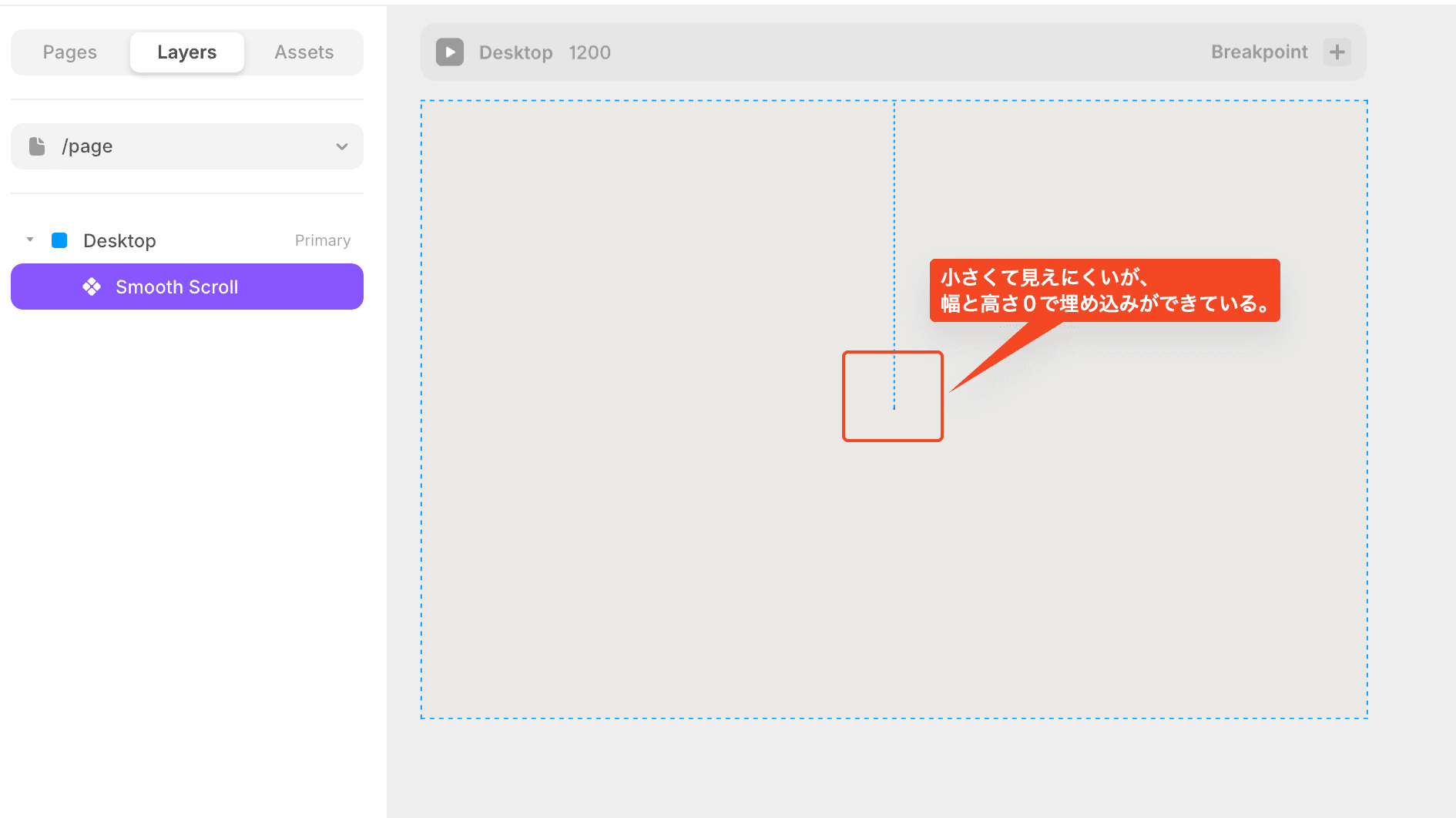
Move it to the top layer.
This completes the process. Let's look at the preview and try scrolling.
You can select the pasted component and change the values from the properties panel on the right side of the screen. The smoothness of the inertia scrolling will change based on the values.