

Two Code Features to Enhance Your Design Further
With Framer, you can write code to add features and elements not available in the native version. These are code components and code overrides. Both allow you to write and create React code.
These are different features from custom code where you write HTML, CSS, and JavaScript in <head> or <body>.
Code Components
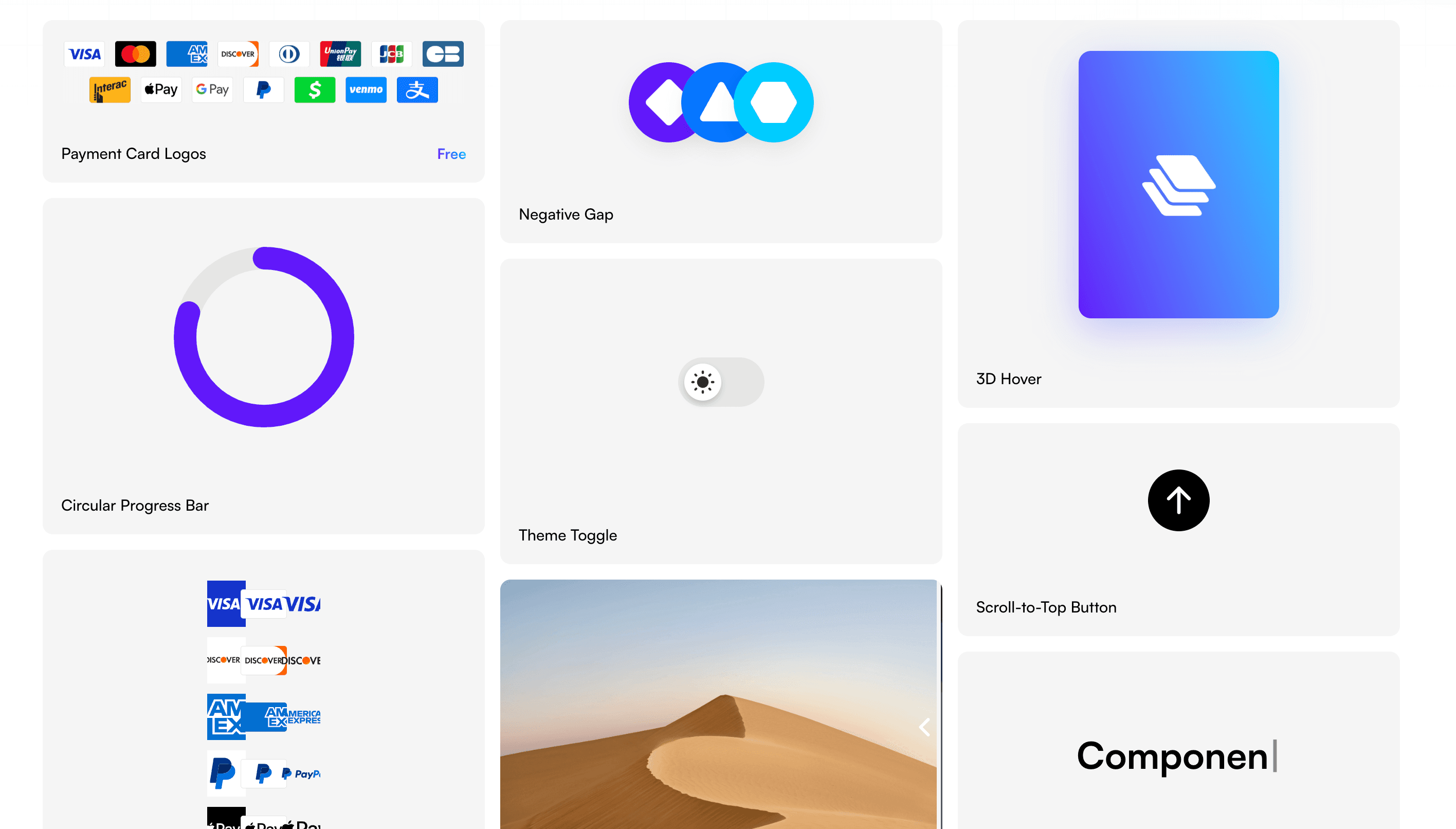
You can create elements and parts on the page with React code. You can customize complex interactions and behaviors that are difficult to achieve with Framer's native features.
For example, CMS pagination, WebGL, progress bars, item counters, dynamic gradient backgrounds, and more.
Code Overrides
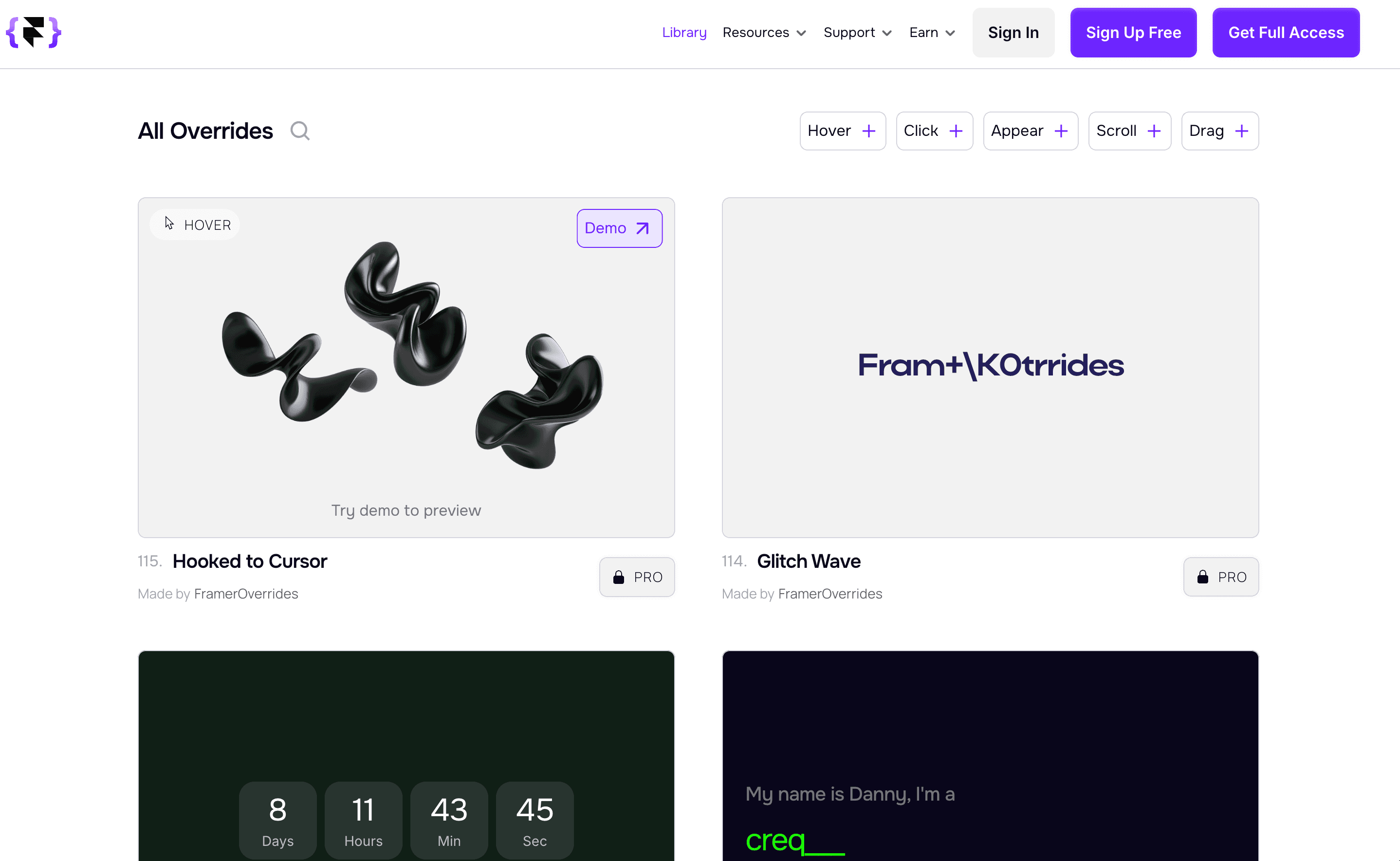
Overrides are, as the name suggests, code features to overwrite functionality. You can add behaviors and properties to existing designs or parts created in the editor. If you want to add a specific small feature while maintaining the appearance, this is recommended. You can assign the same behavior to multiple elements at once.
For example, the current real-time time, countdowns, changes in size or properties due to scrolling, random background colors set every time you reload, shuffle text, vertical text, negative margins, scroll blocks, and more.
Summary
Code Components
Create dynamic elements and parts that cannot be achieved with native features.
Code Overrides
Overwrite or add small functions, such as the current time, to designs created in the editor.
What sets it apart from other no-code tools is that with Framer's code features, you can preview and check immediately. Most things can be found by searching on the internet, and if you ask ChatGPT, it can create them for you right away.
There are many components available for copy-pasting on social media like X and across the internet. It could also be fun to find ones that suit you.
←