
You can add various elements such as pages, sections, and headers.
By selecting "Insert" from the top toolbar, you can easily add items and elements such as pages, sections, and navigation that are pre-prepared by Framer to the screen. You can quickly proceed with design production like a template without having to prepare everything from scratch.
You can also open it with the shortcut key "I."
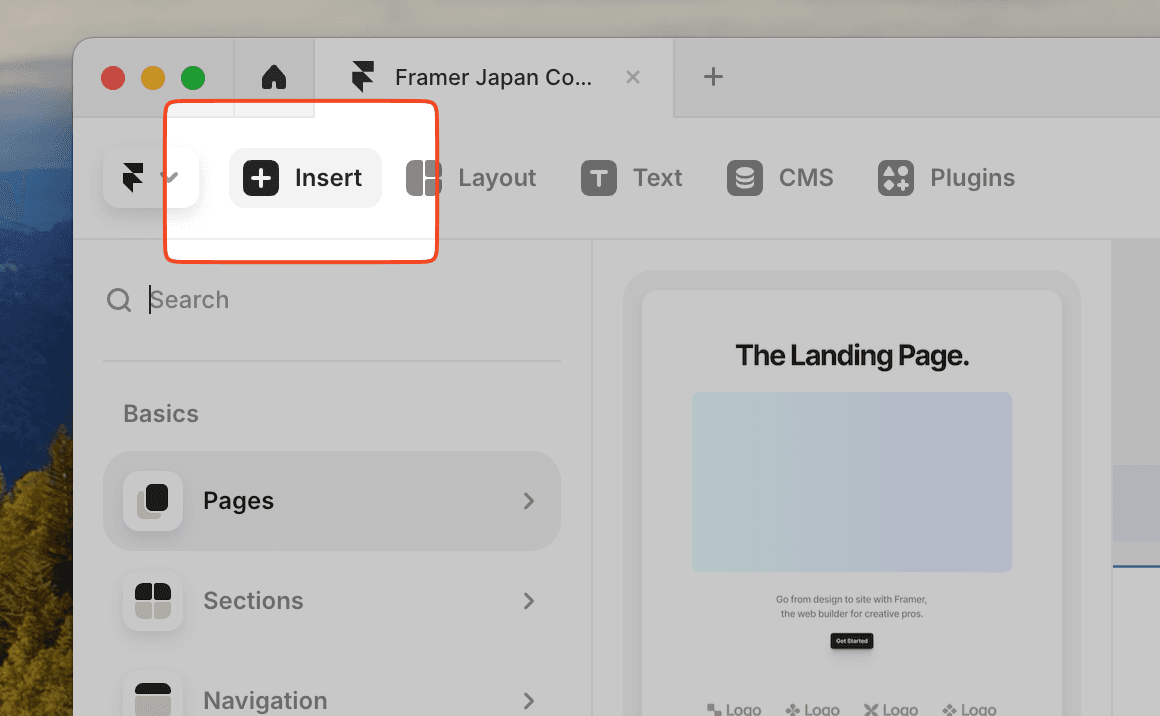
You can add elements from three main categories.
Inserts are available in three categories: Basic, CMS, and Elements.
Basics
There are four items: pages, sections, navigation, and menus.
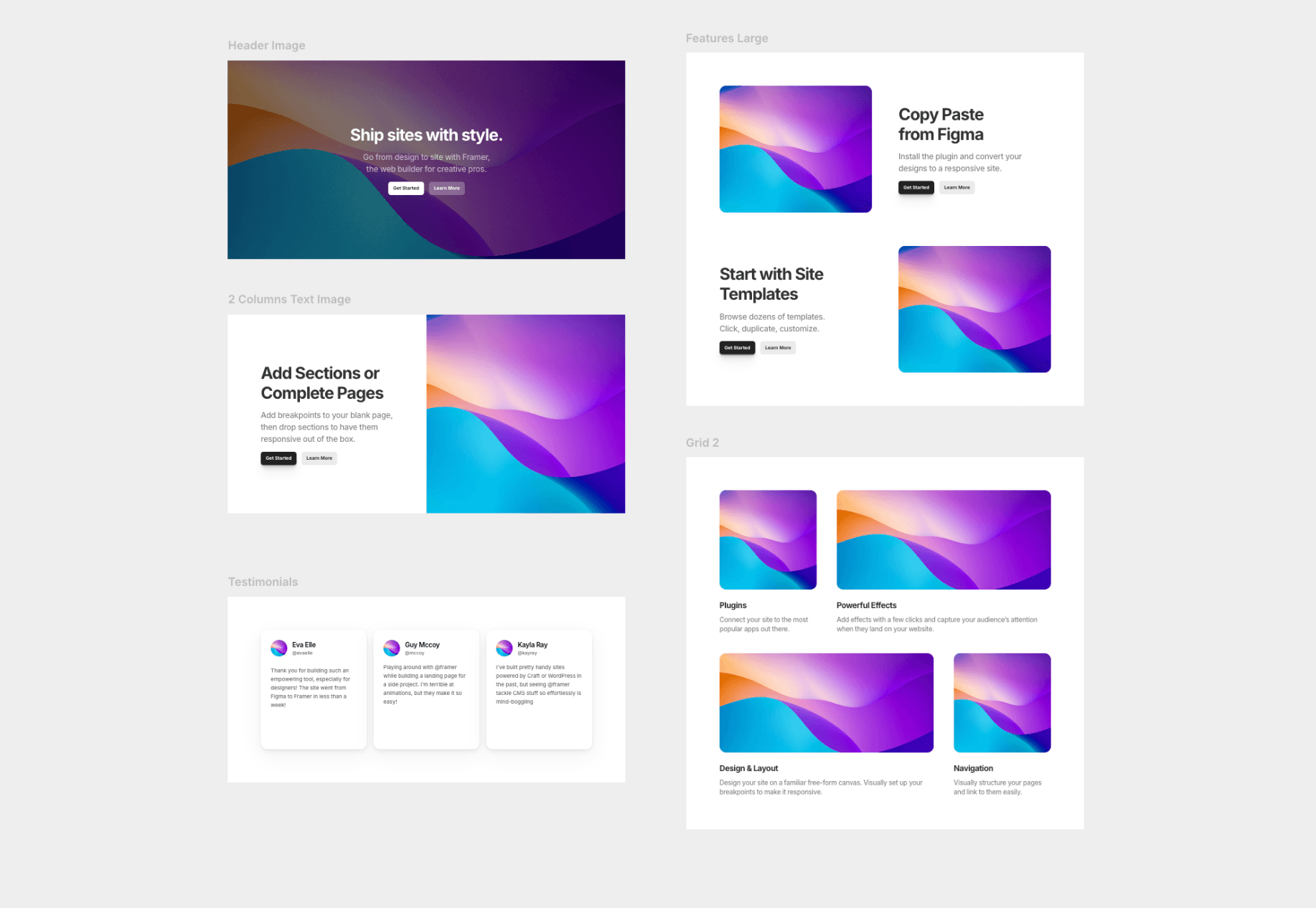
When you select pages, a new page is added to the editor screen. There are several types such as LPs, blogs, and portfolios, so you can quickly move on to styling and content creation like a template.
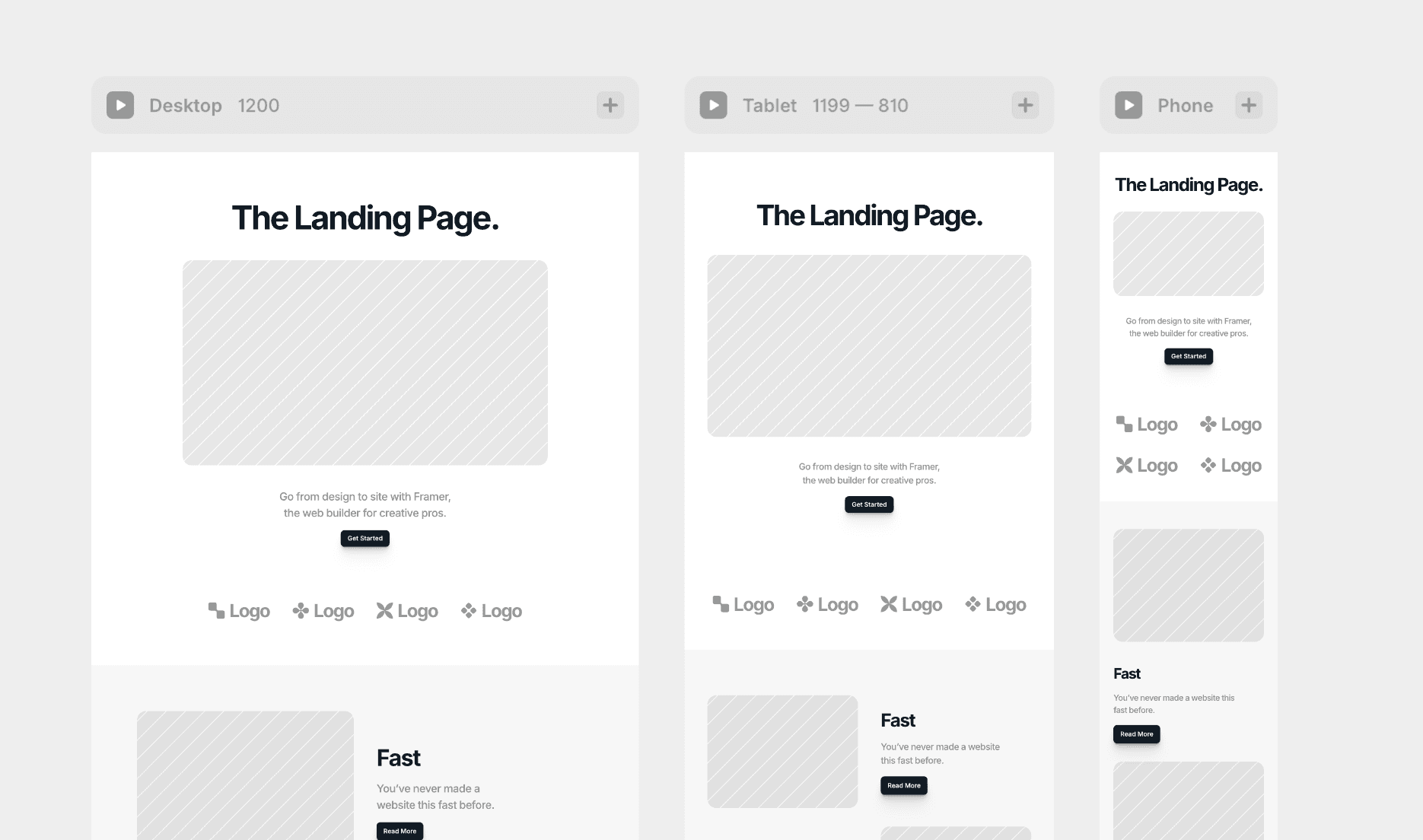
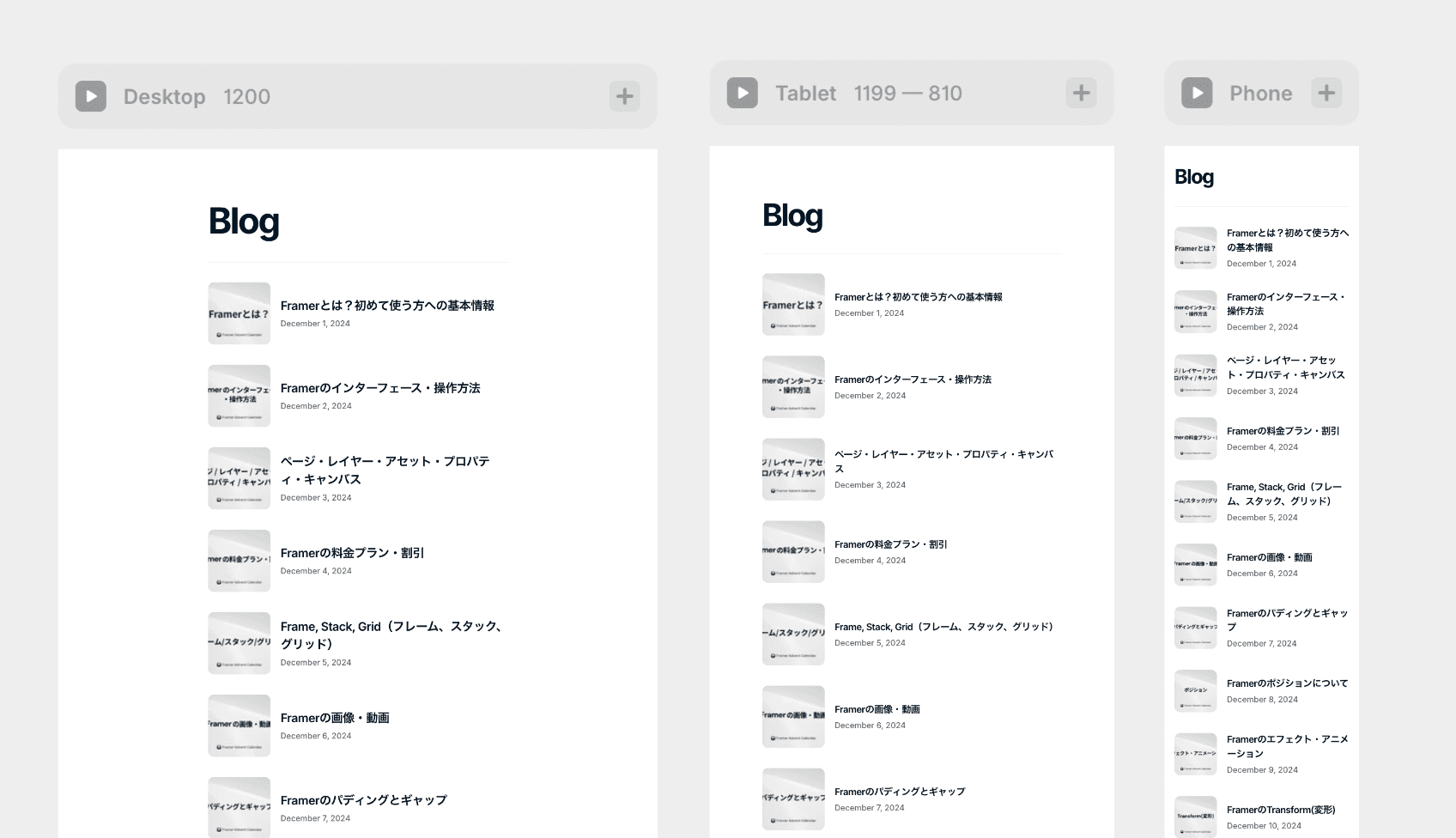
Sections are designed for various purposes such as first views, overview sections, blog lists, and features, as the name suggests. There are grids and lists, so it might be faster to use these than to create new ones.
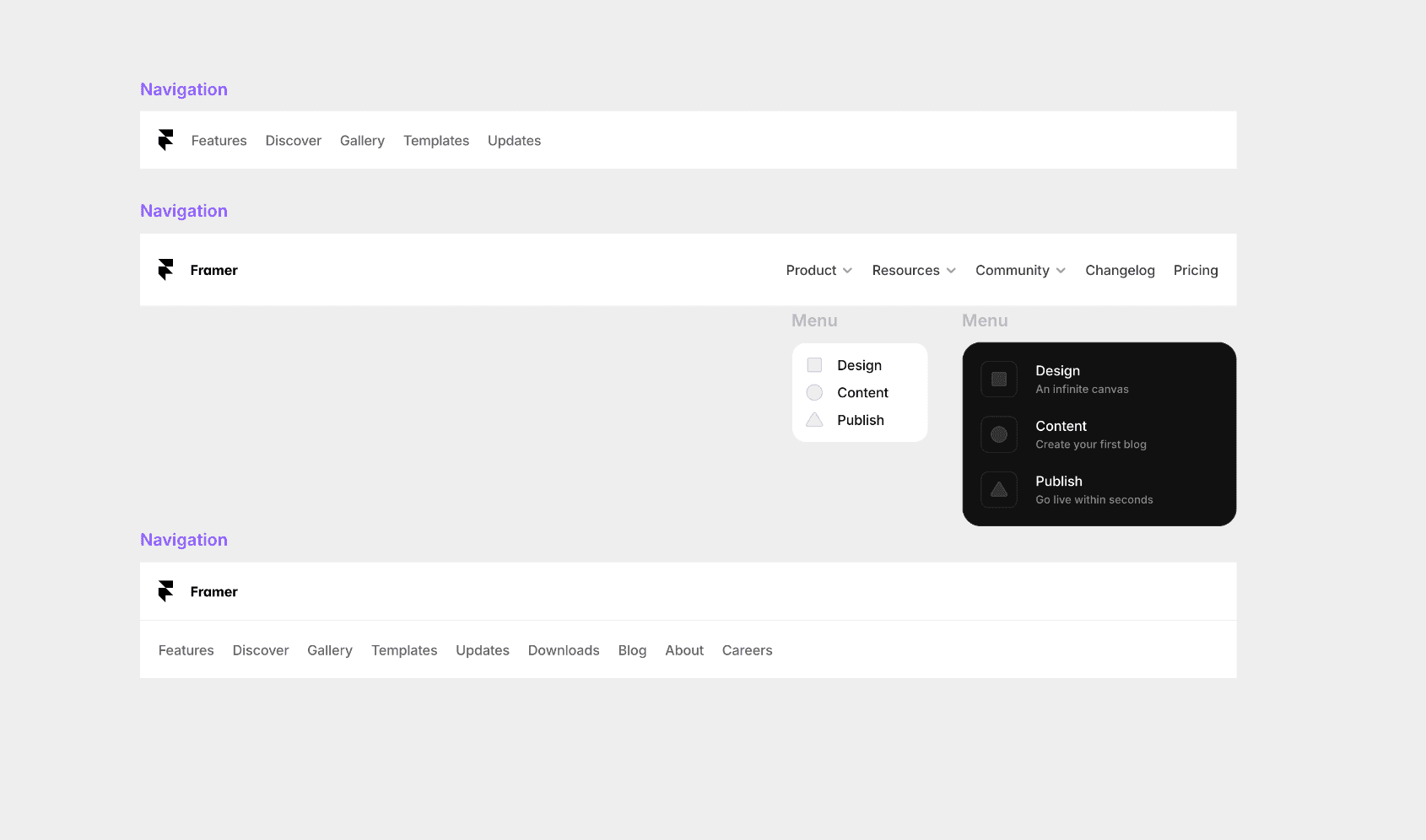
Navigation and menus are like global menus in headers, and there are several designs available. They are prepared for both light mode and dark mode.
CMS
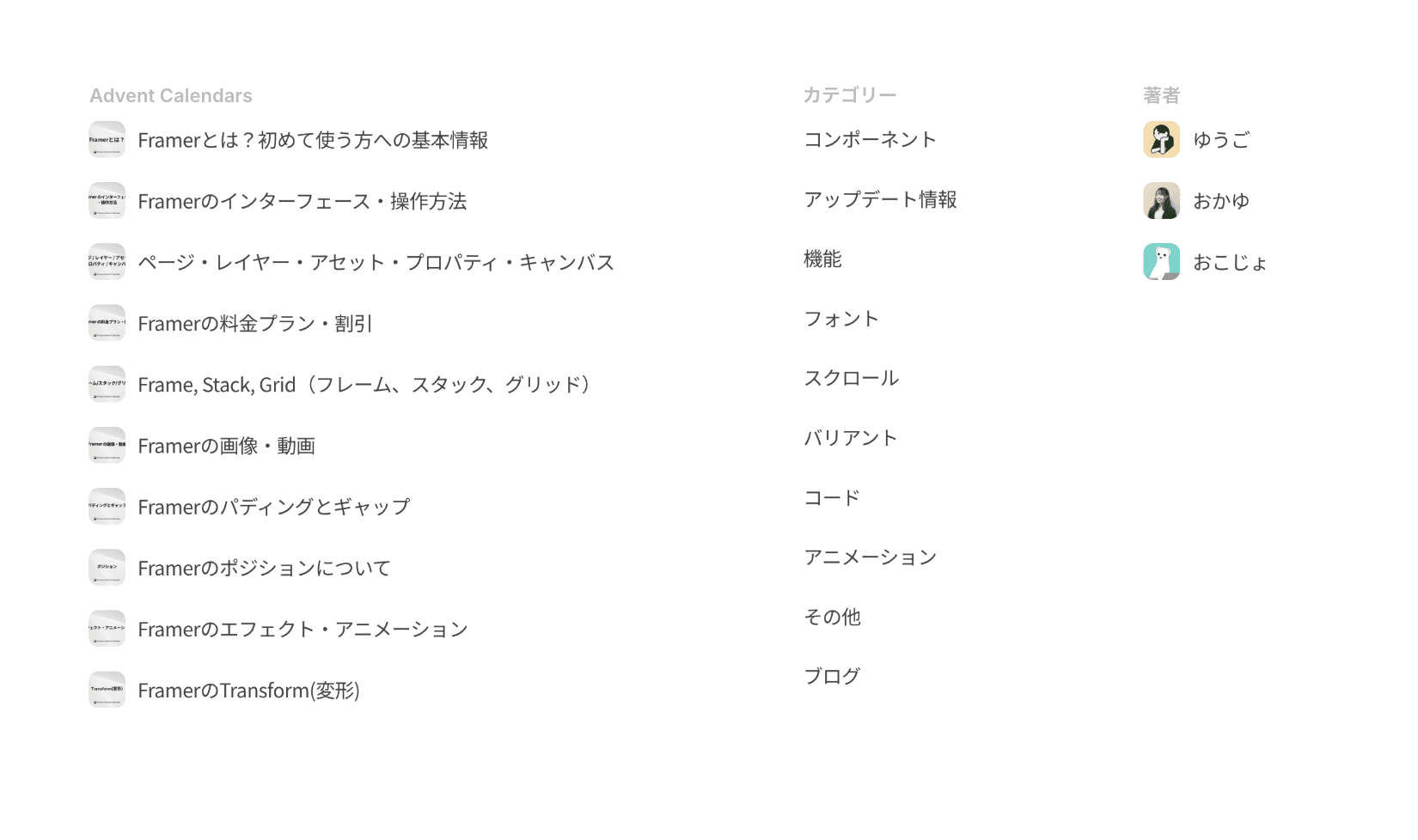
CMS allows you to add models or collections prepared by CMS for blog posts, categories, and authors. It is also possible to add more CMS items within the CMS items you have added.
Elements
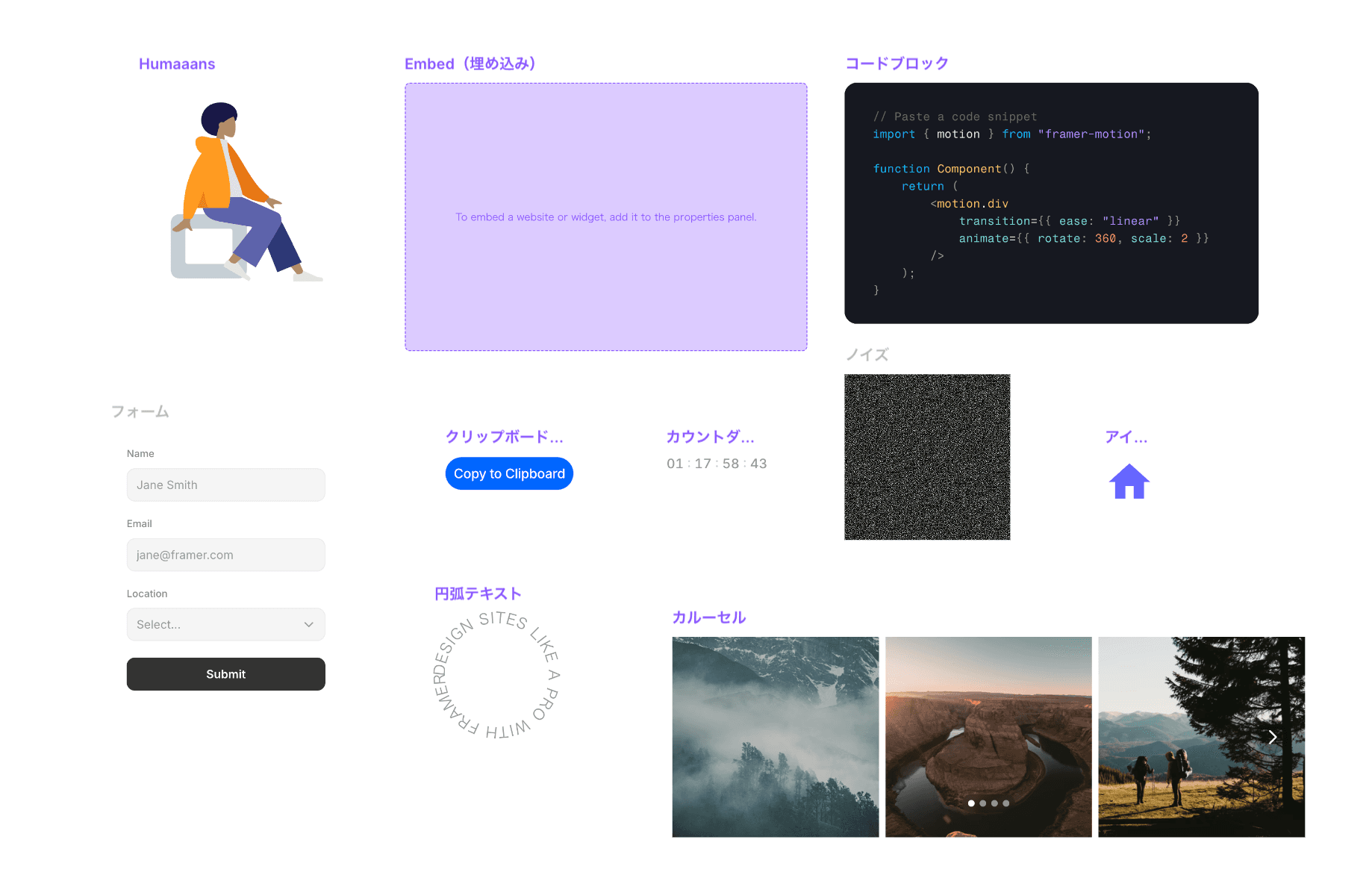
Elements are different from basic elements that can be used anywhere and offer many items to use when necessary. Examples include iframe embeds, YouTube videos, Lottie, real-time time, countdowns, icons, forms, carousels, and slideshows.
←